
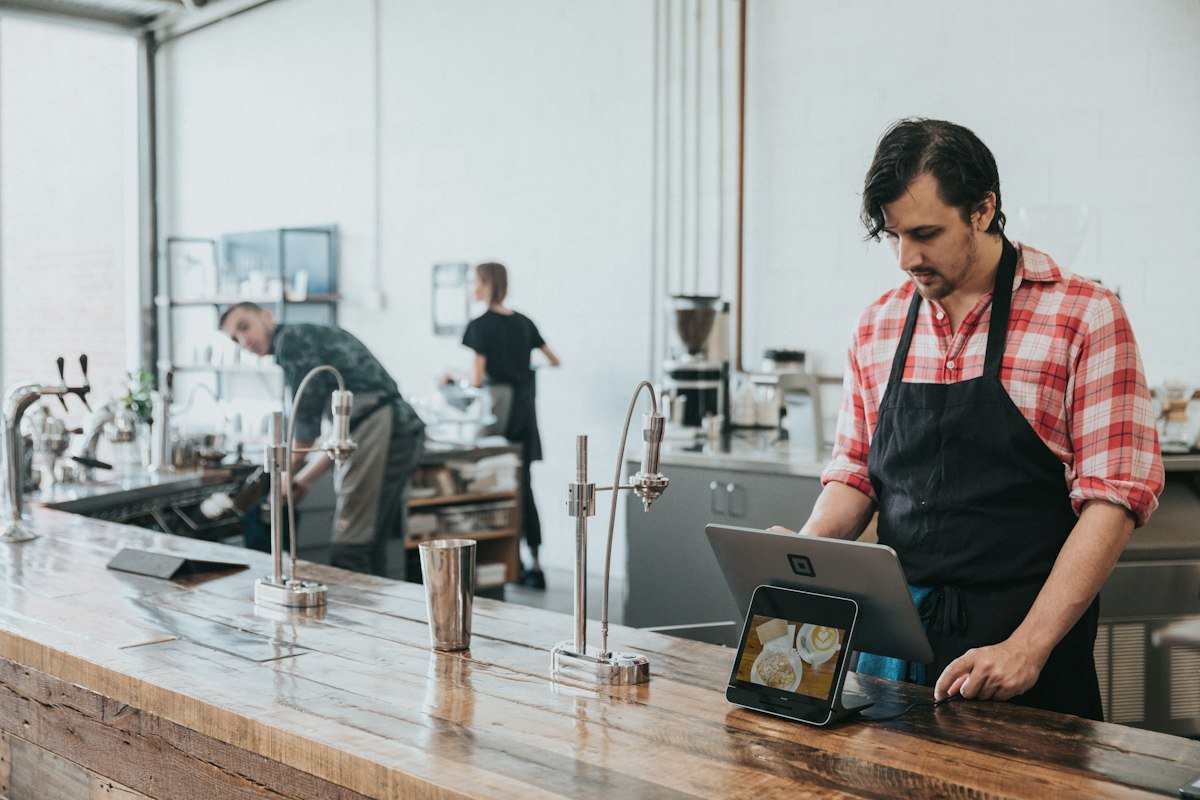
If you are searching for POS software for restaurant use, you probably want three things: faster orders, fewer mistakes in the kitchen and clear numbers at the end of the day. Digibot Restaurant POS gives you all three without expensive hardware or long contracts. It runs in your web browser on a laptop, tablet or phone, so you can start the same day you sign up.
We built this restaurant software for real restaurants: dine-in, takeaway, cafés, fast food shops, cloud kitchens and home delivery businesses. Every screen is designed to be quick for busy staff and easy for owners who are not technical.
What is a restaurant POS system?
A point of sale (POS) is the place where a sale is completed and payment is taken. In a restaurant, the POS does much more than take payment: it records each order, sends tickets to the kitchen, manages tables, and keeps a history of sales, customers and stock. That is why choosing the right restaurant software has a big effect on how smoothly your service runs.
Older systems needed a dedicated terminal, a server in the back office and a technician for every update. A modern cloud POS keeps everything online, updates automatically and lets the owner check the business from home, while the team keeps working on the tablets and phones at the counter.
Features of our POS software for restaurant owners
Everything you need to run the front counter, the kitchen and deliveries is included in one account.
Ring up dine-in, takeaway and delivery orders in a few taps, with item notes and discounts.
Orders appear on the kitchen screen instantly, so cooks know exactly what to prepare.
See which tables are free, occupied or waiting for the bill.
Track delivery riders and customer locations live on a map.
Keep customer records, phone numbers, addresses and order history.
Add items, prices, categories and photos, and update the menu anytime.
Track stock of ingredients and products and spot items running low.
Give each staff member their own login and record attendance.
Record expenses and see sales, average ticket size and top items.
Why choose Digibot as your restaurant software
Many restaurant POS systems are built for big chains and priced that way. Our POS software for restaurant businesses is made for small and growing restaurants that want a clean, modern system without the cost.
- Cloud based: your data is saved to your account and available on any device.
- No special hardware: use the laptop, tablet or phone you already have.
- Fast for staff: simple screens mean less training and fewer order mistakes.
- Real-time dashboard: sales today, active orders and new customers at a glance.
- Secure logins: owners control which staff accounts can access the system.
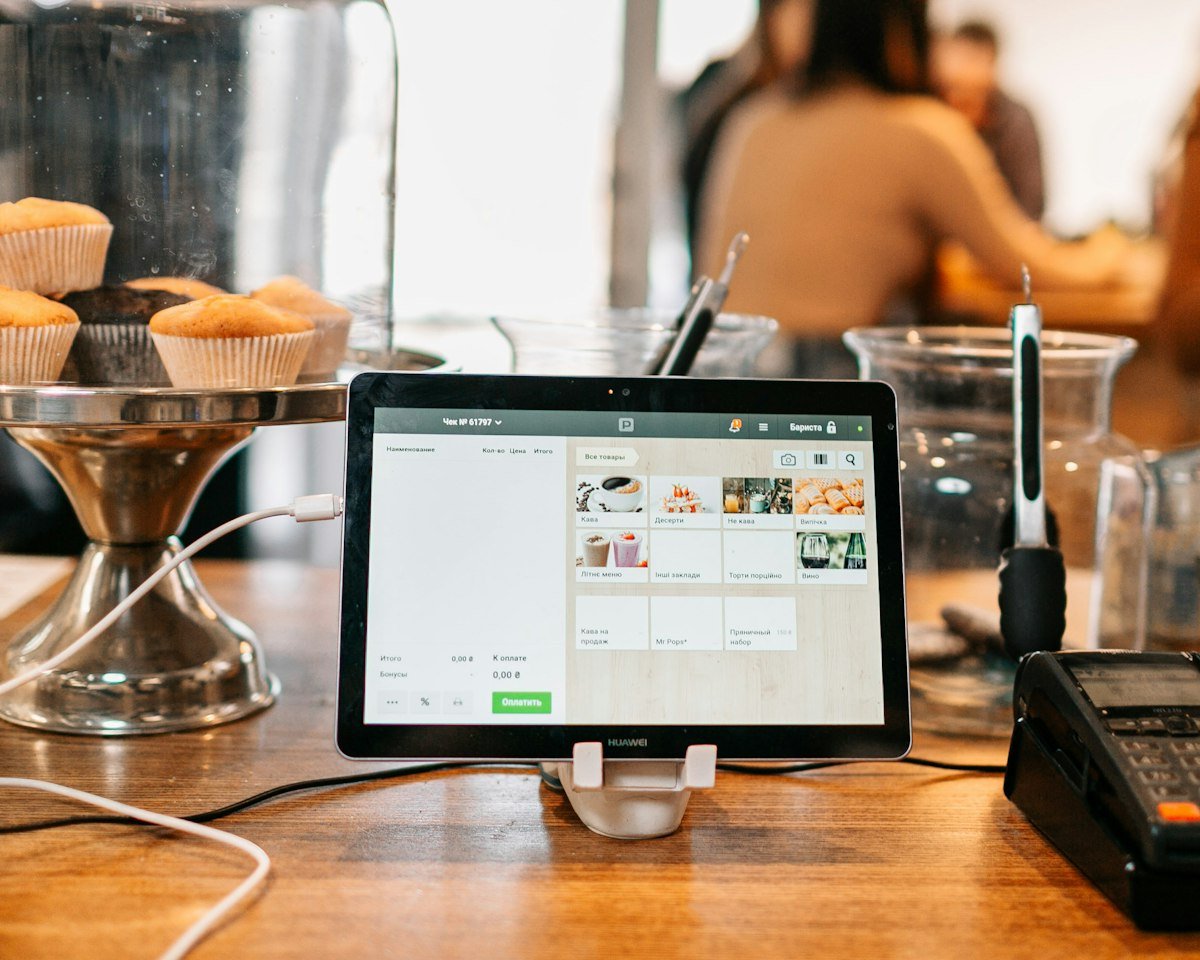
How our restaurant POS works
1. Create your account
Open the POS, sign up with your email and log in. Your restaurant data is stored safely in your own account.
2. Add your menu and staff
Add your menu items, prices and tables, then create logins for cashiers, kitchen staff and riders.
3. Start taking orders
Take an order at the counter, it goes straight to the kitchen display, and you can follow delivery orders on the live map.
4. Check your reports
At the end of the day, open Reports to see sales, expenses and your best-selling items.
Who is this POS software for restaurant teams built for?
Our restaurant software fits any food business that takes orders and wants better control:
- Dine-in restaurants and family restaurants
- Cafés, bakeries and coffee shops
- Fast food, pizza and burger shops
- Cloud kitchens and home delivery businesses
- Food trucks and small takeaway counters
Benefits of switching to modern POS software for restaurant operations
Paper order slips and basic cash registers make it hard to know what is really happening in your restaurant. With good POS software for restaurant management, every order is recorded, the kitchen gets clear tickets, and you can see which dishes make money. Owners save time on counting cash and checking stock, and customers get their food faster.
Because Digibot Restaurant POS also handles inventory, expenses and staff attendance, you do not need separate apps for each job. One restaurant software account replaces several notebooks and spreadsheets.
How to choose POS software for restaurant success
Every restaurant is different, so before you pick a system it helps to list what your team does every day. Use the checklist below to compare options and find the POS software for restaurant needs that match your kitchen, your menu and your budget.
Ease of use for busy staff
During a rush, cashiers and waiters cannot spend time searching through menus. Look for large buttons, clear categories and a short path from opening an order to sending it to the kitchen. A simple screen also means new staff can learn the system in their first shift.
Kitchen communication
Lost paper tickets and unclear handwriting cause wrong dishes and wasted food. A kitchen display shows every order in the correct sequence, with notes such as “no onions” or “extra spicy”, so the cooks always know what to prepare next.
Delivery and takeaway support
If you deliver food, your restaurant software should store customer addresses, let you assign a rider and show where each delivery is. Digibot Restaurant POS includes a live map for exactly this reason.
Stock and expense control
Food cost is one of the biggest expenses in any restaurant. Good POS software for restaurant owners links sales with inventory, so you can see which ingredients are running out and record daily expenses in the same place.
Reports you can act on
Numbers only help when they are easy to read. Check that the system shows sales by day, average ticket size, best-selling items and expenses, so you can adjust the menu, plan staff shifts and spot problems early.
Access from anywhere
Owners are not always at the counter. A cloud system lets you open the dashboard from your phone and see today's sales and active orders, whether you are at home, at a supplier or at a second branch.
Restaurant POS vs a basic cash register
A cash register can total a bill and hold money, but it does not know what was ordered, who served the table or how much stock is left. Restaurant POS software records every item, connects the counter with the kitchen and builds a history of customers and sales automatically.
- Cash register: totals bills, no menu, no kitchen tickets, manual sales counting.
- Restaurant POS: full menu, kitchen display, tables, delivery tracking, staff logins, inventory and reports.
For most food businesses, moving from a register to modern POS software for restaurant service pays for itself through fewer order mistakes, less food waste and better control over cash.
Tips to get started quickly
- Add your best-selling items first, then complete the rest of the menu later.
- Group items into clear categories such as starters, mains, drinks and desserts.
- Create a separate login for each staff member from day one.
- Put a tablet or screen in the kitchen for the kitchen display.
- Check the Reports page at the end of the first week to see your top items.
Frequently asked questions
What is the best POS software for restaurant startups?
The best choice is a system that is affordable, easy to learn and works on devices you already own. Digibot Restaurant POS is cloud based, needs no special hardware and includes kitchen display, delivery tracking and reports.
Can I use this restaurant software on a phone or tablet?
Yes. The POS runs in a web browser, so it works on Android, iPhone, iPad, Windows and Mac.
Do I need an account?
Yes. You create a free account so your orders, menu and reports are saved securely and only your team can see them.
Does it support delivery?
Yes. You can take delivery orders, assign riders and follow rider and customer locations on the live map.
Is my restaurant data safe?
Your data is stored in your own account and protected by login. Each staff member gets a separate account, so you always know who created or changed an order.
Can I run more than one branch?
Yes. Because the system is in the cloud, each branch can use its own devices while the owner checks sales, orders and reports for the business from one dashboard.
How long does setup take?
Most restaurants can create an account, add their main menu items and start taking orders in under an hour. You can keep adding menu items, tables and staff accounts later as you go.
Try our POS software for restaurant owners today
See the Digibot Restaurant POS in action and set up your restaurant in minutes.
Looking for a POS for a shop instead? Try our free Retail POS or browse our free online tools.