
Looking for the best POS system for retail? Whether you run a grocery store, pharmacy, clothing shop or mobile accessories store, the right point of sale software decides how fast you serve customers, how accurate your stock is and how much money actually ends up in your cash drawer.
In this guide you will learn what a POS is, how an online POS system works, the 10 features every retail POS must have, how restaurant software is different, and how you can start selling today with a free retail POS — no subscription, no contract and no expensive hardware.
Key takeaways:
- A POS (point of sale) rings up sales, takes payments, prints receipts, tracks stock and builds sales reports.
- An online POS system runs in your browser, works on any device and keeps your data safe in the cloud.
- The best POS system for retail is fast, supports barcodes, tracks stock and has honest pricing.
- Full-service restaurants need restaurant POS software; counter-service food shops can often use a retail POS.
- You can try our Retail POS tool for free and set it up in about five minutes.
What Is a POS (Point of Sale)?
POS stands for point of sale. It is the exact moment and place where a customer pays you. A POS system is the software, and sometimes the hardware, that you use to complete that sale. You can read more about the history of point of sale systems on Wikipedia.
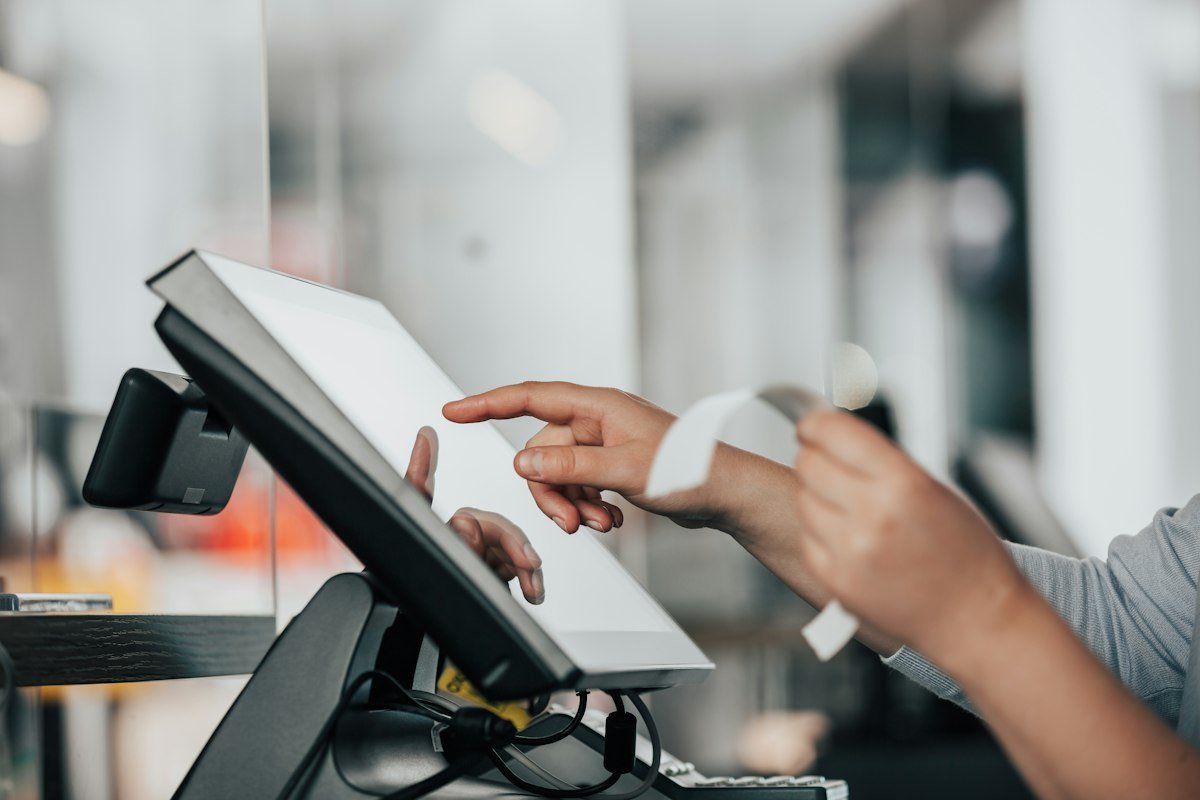
A modern point of sale system does much more than a cash register. It:
- Rings up sales – tap products or scan barcodes to add them to the bill.
- Calculates totals – tax, discounts and change are worked out automatically.
- Records the payment method – cash, card, mobile wallet or other.
- Prints a receipt – itemised, with your store name and contact details.
- Tracks stock – every sale reduces inventory, so you know what is running low.
- Builds reports – daily sales, best sellers and payment breakdowns.
In short, a cash register only holds money. A POS remembers everything about every sale.
What Is a Retail POS?
A retail POS is a point of sale system built for shops that sell physical products at a counter: grocery and convenience stores, pharmacies, clothing and shoe shops, mobile and electronics shops, bookshops, cosmetics stores, gift shops, kiosks and market stalls.
Retail shops have different needs from restaurants or service businesses. They usually need:
- A product catalogue with prices, SKUs and categories
- Barcode scanning for fast checkout
- Stock tracking with low-stock alerts
- Discounts as a percentage or fixed amount
- Quick receipts on a thermal printer
- End-of-day reports that match the cash drawer
Our free Retail POS for small shops is built around exactly these features, so a small store gets what it needs without paying for enterprise software.
What Is an Online POS System?
An online POS, also called a cloud POS or web-based POS, runs in your web browser instead of being installed on one computer. Your products and sales are saved to your account in the cloud, so you can log in from any device.
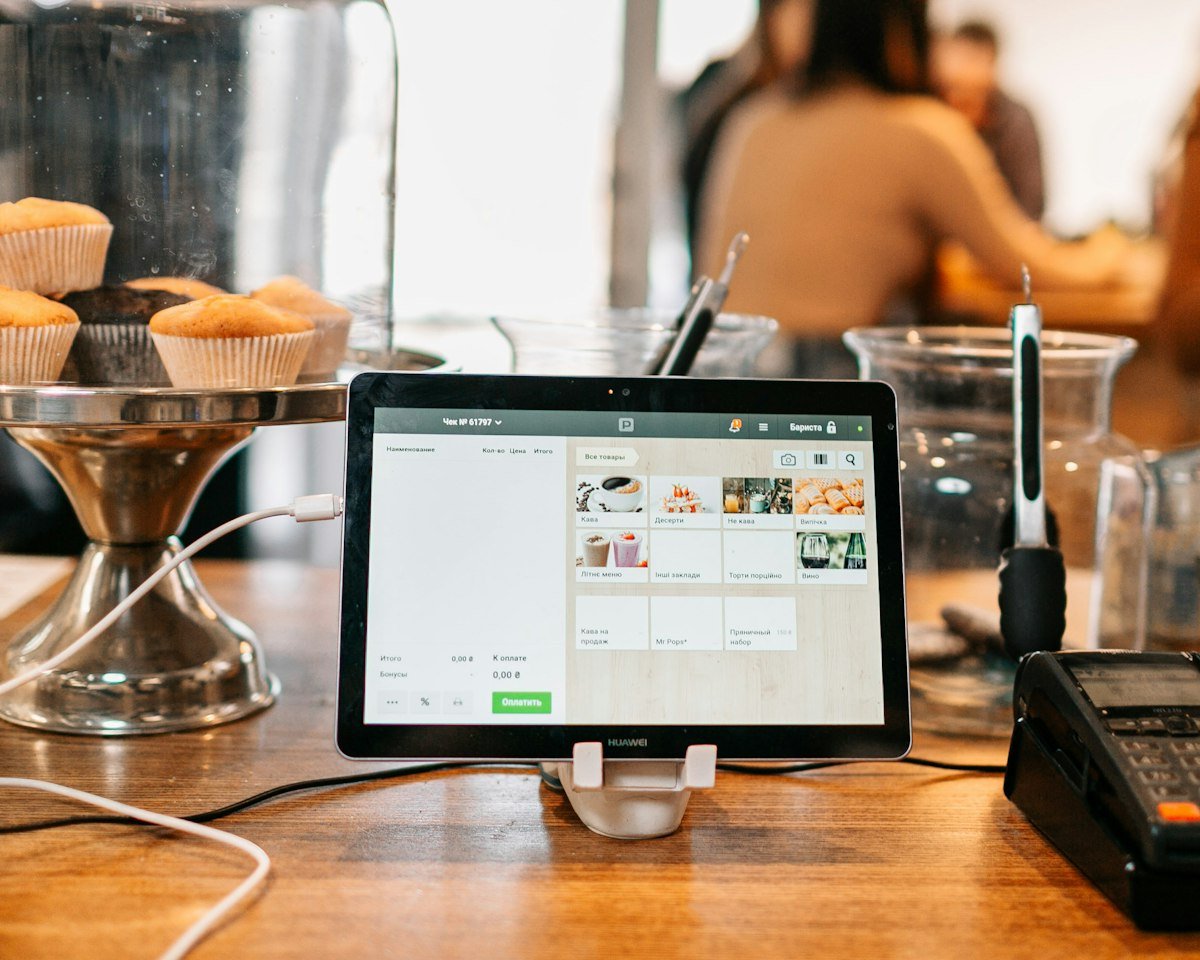
Benefits of an online POS system
- No installation – open a website and start selling.
- Works on any device – laptop, desktop, Android tablet, iPad or phone.
- Your data is safe – if a device breaks or is stolen, your records stay in your account.
- Check sales from anywhere – see today’s numbers from home.
- Lower cost – no expensive dedicated terminals are needed.
The main thing to check is your internet connection. Because an online POS system saves to the cloud, a stable connection keeps everything in sync across devices.
Online POS vs Traditional POS vs Cash Register
| Feature | Cash register | Traditional POS | Online POS |
|---|---|---|---|
| Adds up totals | Yes | Yes | Yes |
| Remembers products and prices | No | Yes | Yes |
| Stock tracking | No | Yes | Yes |
| Sales reports | Very basic | Yes | Yes |
| Runs on devices you already own | No | Usually not | Yes |
| Access data from anywhere | No | Sometimes | Yes |
| Typical cost | One-time hardware | Hardware, monthly fees and contracts | Low-cost or free |
For most small shops, an online POS gives the best balance of features and cost.
Best POS System for Retail: 10 Features to Look For
There is no single system that is perfect for every store. The best POS system for retail is the one that fits how your counter works. Use these 10 features as your checklist.
1. Fast checkout
Adding an item should take one second. Look for tap-to-add product buttons, search by name and quick filters by category so a queue never builds up at your counter.
2. Barcode scanner support
Any USB or Bluetooth scanner that works in keyboard mode should work with your POS. Scanning removes typing mistakes and makes checkout much faster when you have hundreds of products.
3. Stock tracking and low-stock alerts
Stock should go down automatically with every sale. Low-stock warnings tell you what to reorder, and a good system stops you from selling more than you actually have.
4. Discounts and tax
Set your tax rate once in settings and apply a percentage or fixed discount to any sale. The POS should show subtotal, discount, tax and total clearly on screen and on the receipt.
5. Multiple payment methods
Record cash, card and mobile wallet payments separately. For cash, the POS should calculate the exact change so your cashier never has to do mental maths under pressure.
6. Receipt printing
Clean, itemised receipts with your store name, address and phone build trust. Check that the POS supports 80mm thermal printers as well as regular office printers.
7. Useful sales reports
You should see net sales, number of transactions, items sold, average sale value, top products and a payment-method breakdown for today, this week or this month.
8. CSV import and export
Importing your product list from a spreadsheet saves hours of setup. Exporting sales to CSV makes life easy for your accountant at month-end.
9. Cloud backup
Data should save automatically to your account. It is even better if you can download your own backup file whenever you want.
10. Honest pricing
Watch out for per-register fees, long contracts and forced hardware bundles. The best POS system for retail lets you start small and pay more only if you truly need more.
Tip: Before paying for anything, test a free POS with your real products for one week. You will quickly learn which features you actually use every day.
How to Choose the Best POS System for Retail Shops
Before you commit, answer these five questions about your own shop:
- How many products do you sell? Hundreds of items need fast search, categories and barcode scanning.
- Do you need to track stock? If yes, make sure stock updates automatically with every sale.
- How do customers pay? Your POS must split cash, card and wallet totals so the day closes cleanly.
- Who will use it? A simple screen means new staff can start selling in minutes without training.
- What is the real yearly cost? Add up monthly fees, hardware and contracts, not just the advertised price.
POS Software for Small Business: Why It Matters
Many owners think a POS is only for big stores. In reality, POS software for small business owners makes the biggest difference, because the owner is often the cashier, stock manager and accountant at the same time.
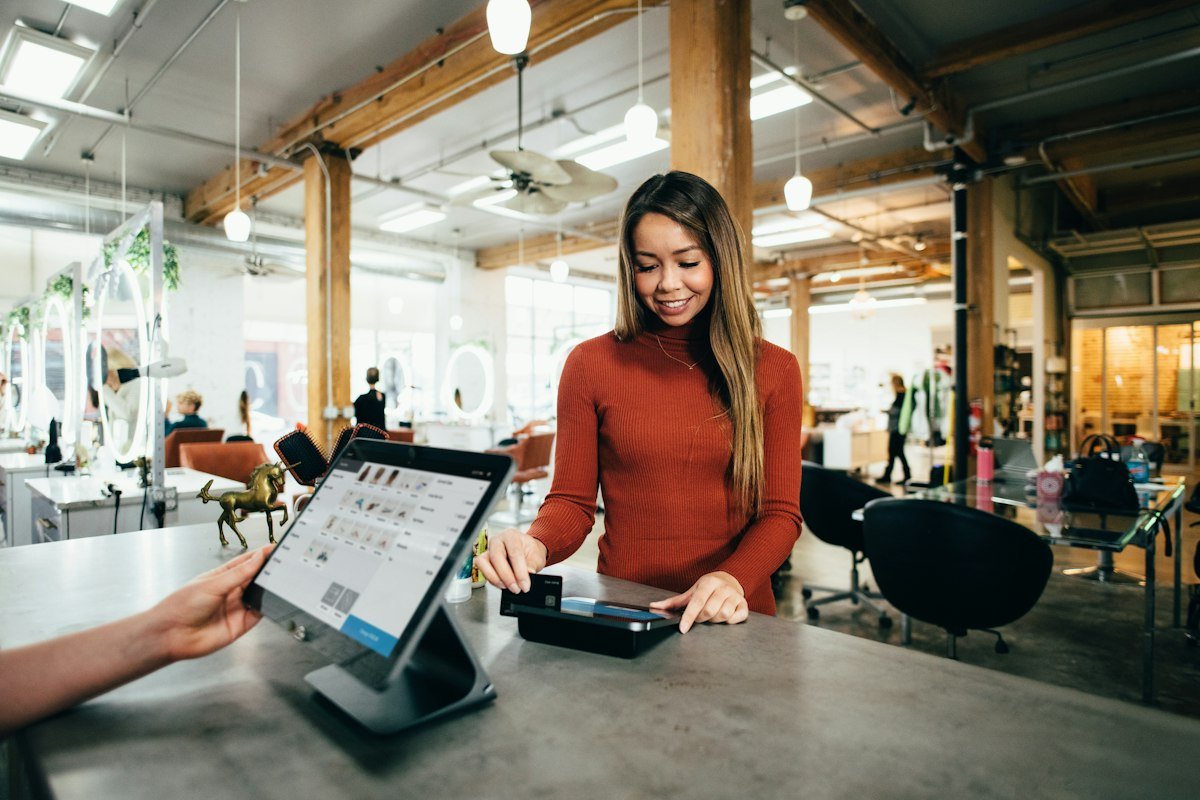
With a POS, a small business can:
- Stop losing money to mistakes – no more wrong totals or forgotten items.
- Know what sells – see best sellers and slow movers instead of guessing.
- Reorder on time – low-stock alerts tell you what to buy before you run out.
- Close the day in minutes – the report already shows cash, card and wallet totals.
- Look professional – printed, itemised receipts build customer trust.
- Keep clean records – export sales for taxes and bookkeeping.
Need to work out your profit margins? Use our Percentage Calculator. Planning a loan for new stock? Try the Loan EMI Calculator. You can even print a payment QR code for your counter with the QR Code Generator.
POS Software for Restaurant vs Retail POS
Many people search for POS software for restaurant use and restaurant software in general, so it is worth explaining the difference clearly.
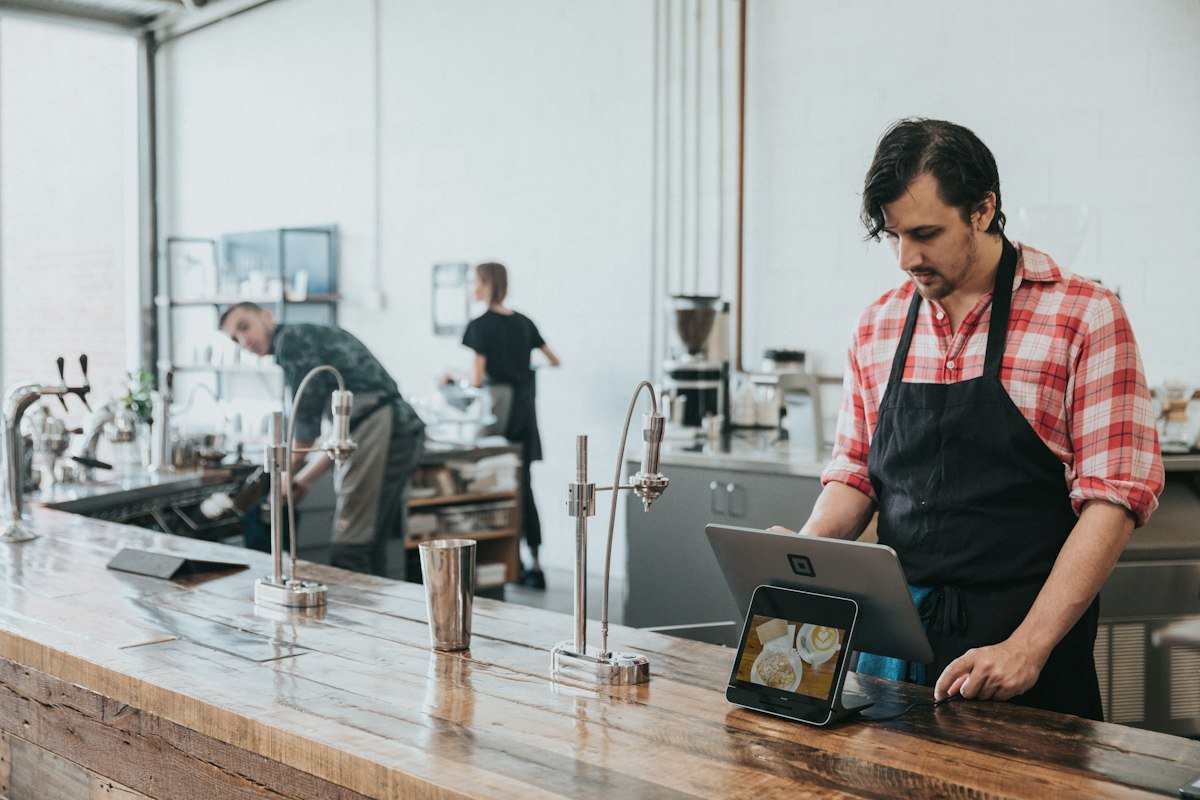
What restaurant POS software usually includes
- Table management – floor plans, open tables and table transfers
- Kitchen tickets – orders sent to a kitchen printer or display
- Modifiers – “no onions”, “extra cheese”, sizes and add-ons
- Split bills and tips
- Dine-in, takeaway and delivery order types
What a retail POS focuses on
- Products with fixed prices
- Barcode scanning
- Stock counts and reorder alerts
- Fast single-counter checkout
Which one do you need?
A full-service restaurant with tables, waiters and a kitchen should choose dedicated restaurant POS software. A counter-service food business such as a bakery, sweet shop, juice bar, tuck shop, cafe counter or snack kiosk that sells fixed-price items can often use a retail POS, which is much simpler.
For example, a bakery can add bread, croissants, cakes and drinks as products, use categories like Bakery and Beverages as quick filters, and ring up sales at the counter with our online Retail POS without any table management.
How to Set Up a Retail POS in 5 Minutes
- Create a free account on the Retail POS page.
- Open Settings and enter your store name, address, phone, currency symbol and tax rate. These appear on every receipt.
- Add products in the Products tab, or import a CSV with the columns name, sku, category, price and stock. You can also load sample products to practise first.
- Go to Sell, tap products or scan barcodes, apply any discount and choose the payment method.
- Click Charge, print the receipt and start the next sale.
- At closing time, open Sales to check your totals and export to CSV if needed.
POS Hardware: You Need Less Than You Think
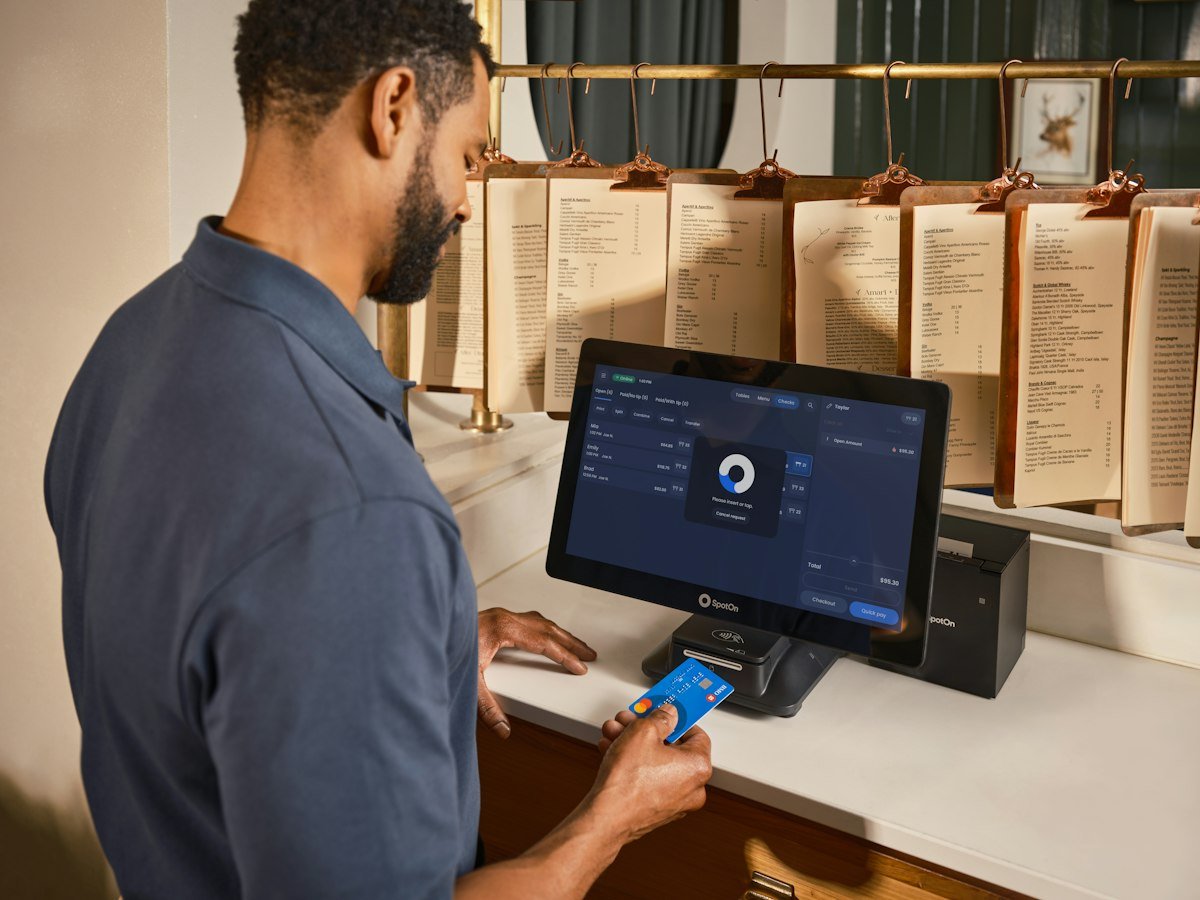
A browser-based POS works with hardware you may already own:
- Any device with a browser – laptop, PC, tablet or phone
- Barcode scanner (optional) – any USB or Bluetooth scanner in keyboard mode
- Receipt printer (optional) – any 80mm thermal printer or regular office printer
- Cash drawer (optional) – one connected to your receipt printer can open when the receipt prints, if your printer driver supports it
You can start with just a phone or laptop and add a scanner and printer later as your shop grows.
A Simple End-of-Day Routine
A POS is only as good as the habits around it. This 10-minute routine keeps your numbers honest:
- Check today’s report – net sales, transactions and totals by payment method.
- Count the cash drawer – subtract your opening float; the rest should match the cash total.
- Match card and wallet totals with your card machine and wallet app.
- Review low-stock items and add them to tomorrow’s order list.
- Export sales to CSV for your accountant or your own records.
Do this daily and month-end becomes easy, because your sales history is already clean and complete.
Common POS Mistakes to Avoid
- Typing prices by hand – add products once so every sale is fast and accurate.
- Skipping the opening stock count – stock tracking only works if starting numbers are right.
- Deleting sales instead of voiding them – voiding returns stock and keeps a record.
- Ignoring reports – five minutes a week shows your best sellers and busiest days.
- Sharing one password with everyone – keep logins private and log out on shared devices. Our Password Generator helps you create a strong one.
- Never backing up – download a backup regularly so you always have your own copy.
How Much Does a POS System Cost?
Traditional point of sale systems often combine several costs: a monthly fee per register, setup charges, card-processing contracts and dedicated hardware. For a small shop, these costs add up quickly before you sell a single item.
A free online POS removes most of that. Our free Retail POS has no subscription, no contract and no limit on products, sales or receipts. All you need is a device with a browser.
Frequently Asked Questions
What does POS mean in a shop?
POS means point of sale. It is the system used at the counter to ring up items, take payment, print receipts and record sales.
What is the best POS system for retail?
The best POS system for retail has fast checkout, barcode scanning, stock tracking, receipts, clear reports and fair pricing. For small shops, a free online POS like our Retail POS is a strong place to start.
Is an online POS system safe?
A good online POS saves data over a secure connection to your account, so it stays protected if a device is lost. Use a strong, unique password and download backups regularly.
Can I use a retail POS for a restaurant?
Yes, for counter-service businesses that sell fixed-price items, such as bakeries, cafes and snack bars. Full-service restaurants with tables and kitchen orders usually need dedicated restaurant POS software.
What is the best POS software for a small business?
Choose software that is easy for staff to learn, tracks stock, records every payment method and does not lock you into expensive contracts. Test it with your real products before you commit.
Do I need special hardware for a POS?
No. A browser-based POS runs on a laptop, tablet or phone. A barcode scanner and receipt printer are optional extras.
Can I use the same POS on more than one device?
With a cloud-based online POS, yes. Log in to your account on any device and your products and sales are there.
Conclusion: Start With the Best POS System for Retail Today
You do not need expensive hardware or a monthly subscription to run your shop like a professional. The best POS system for retail gives you faster checkout, accurate stock, clean receipts and daily reports, which is everything a small business needs to grow.
Try the free Retail POS now → Set up your store in five minutes, add your products and ring up your first sale today.